Terminal
A real shell over the desktop, with real Node.js and Python behind it.
01What it does
Terminal
in plain words.
included in
Free, and every plan above it
Every built-in app is fully functional on the Free plan. See pricing.
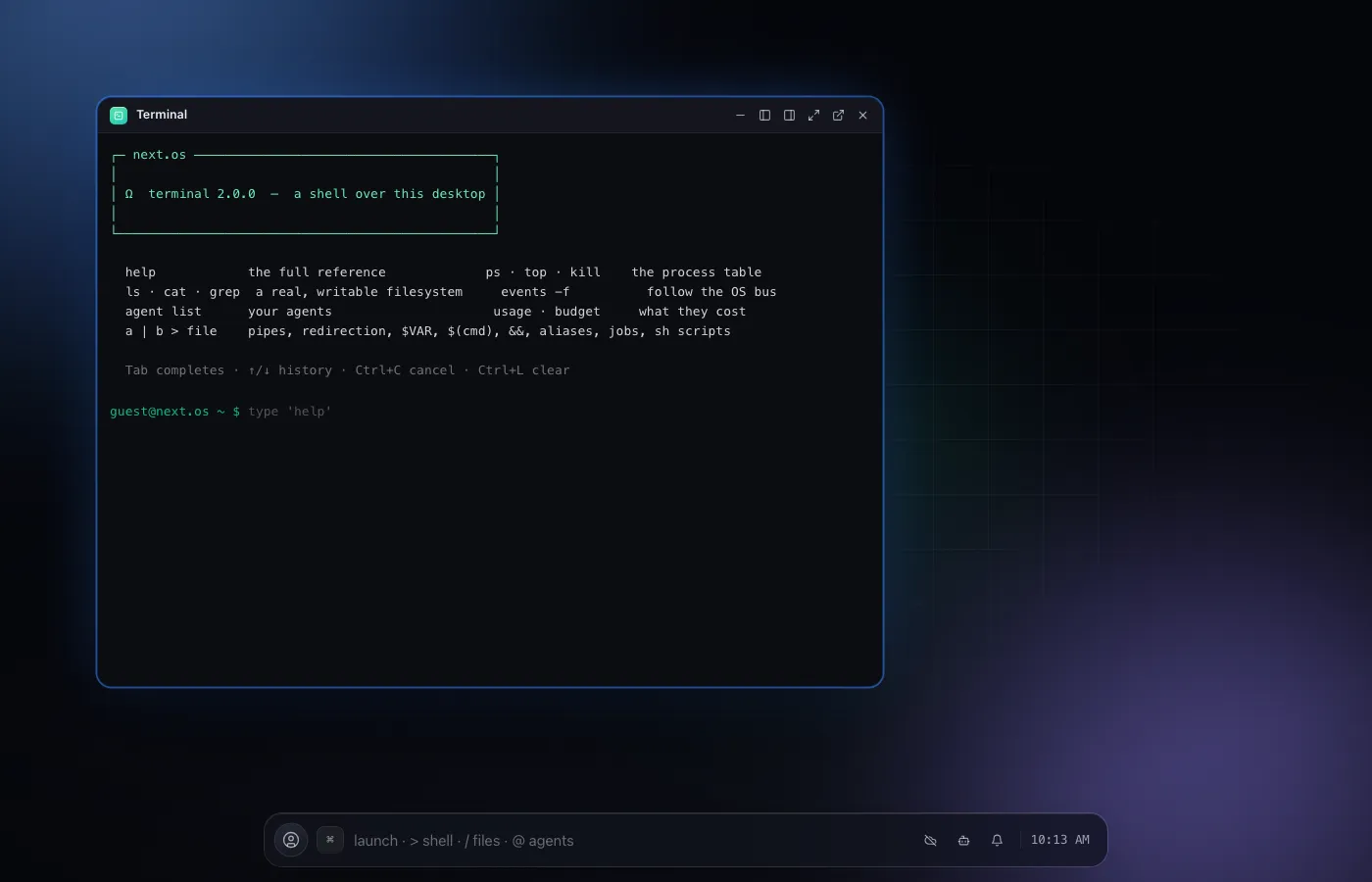
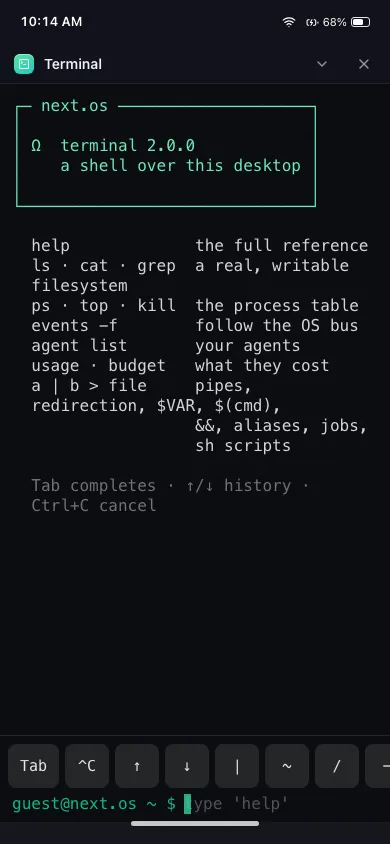
Terminal is a real command interpreter over the desktop, not a decorative terminal emulator. It shares one writable filesystem with Notes, VS Code and every agent, so a file you edit in one place is the same file everywhere else.
Behind the prompt sits a real process table, an event bus, token usage and budget tracking, and intents between apps. Ask it for Node.js or Python and you get an actual runtime behind a pty, not a simulation.
Every command runs against the same filesystem the rest of the desktop uses: a file you write from Python or Node.js shows up instantly in Finder, VS Code and Notes, and an edit made there is visible the moment you list the directory again.
Node and Python are not sandboxed toys. Installing a package, dropping into a REPL, and working Ctrl+C and Ctrl+D all behave the way they do on a native machine, because they run against real interpreters, not an imitation of one.
02Features
- A writable filesystem shared with Notes, VS Code and agents
- Real CPython and Node.js runtimes behind a pty
- A process table and live event bus
- Backup and restore for the whole filesystem
- Streams the agents you configure in Agents, live
04Related