01What it does
Kanban
in plain words.
included in
Free, and every plan above it
Every built-in app is fully functional on the Free plan. See pricing.
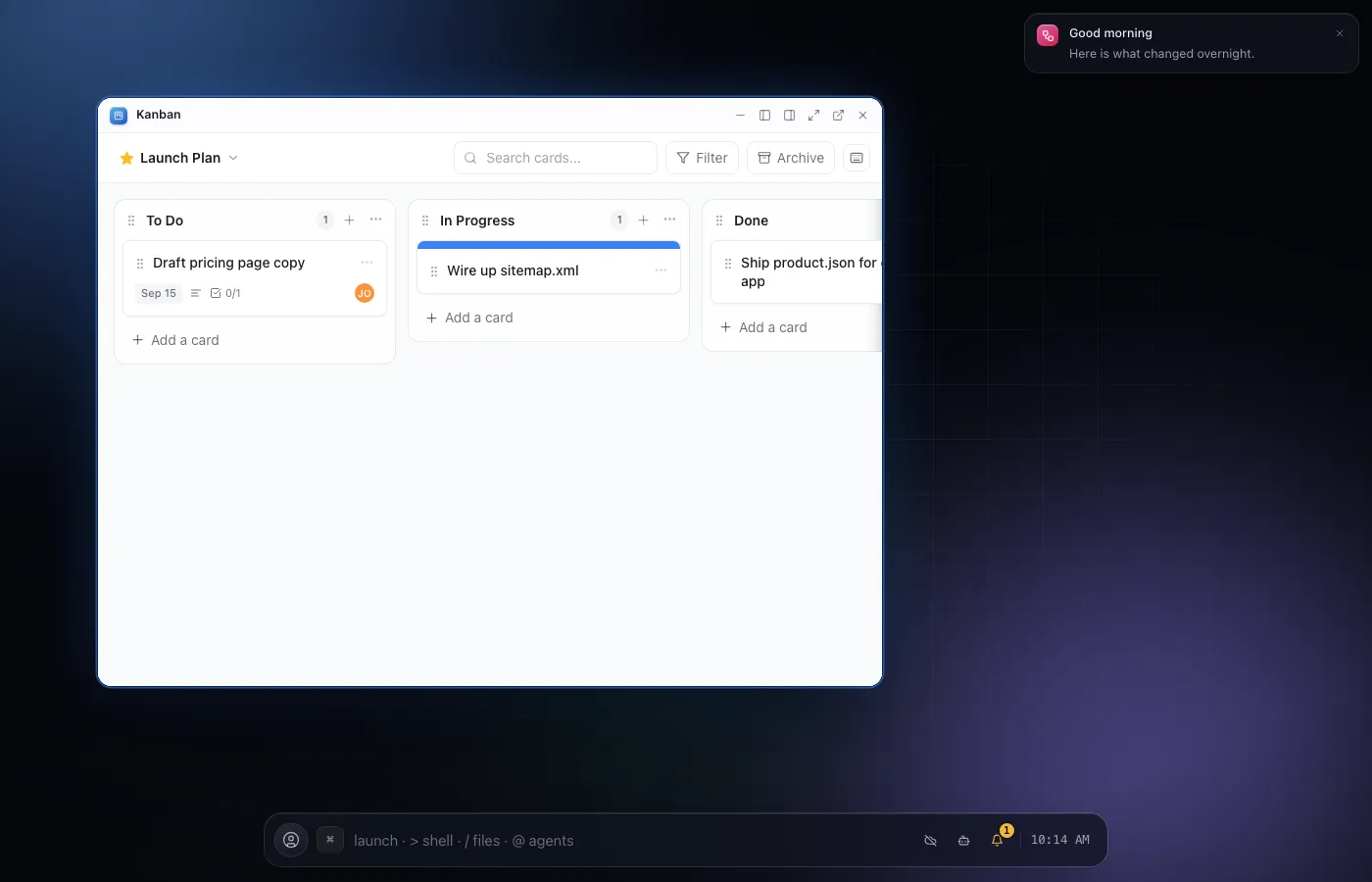
Kanban is a Trello style board app: multiple themed boards, editable columns with soft WIP limits, and rich cards you can move by drag, by keyboard, or from a menu.
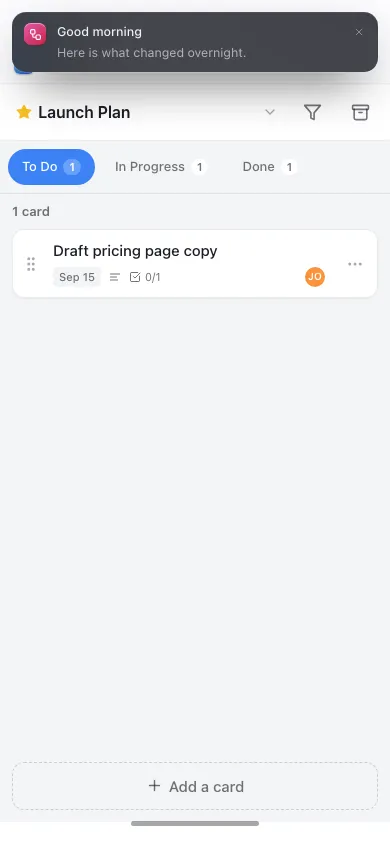
Every interaction works the same whether you are on a mouse or a touchscreen, so the board is just as usable on a phone as at a desk.
Drag a card between columns, move it with the keyboard, or reassign it from its own menu - all three paths update the same board, so touch and desktop stay equally first class.
Columns carry an optional soft WIP limit that flags when a column is over capacity without ever blocking you from adding one more card, and every board can be themed independently of the others.
02Features
- Multiple themed boards
- Editable columns with soft WIP limits
- Rich cards with full detail
- Move by drag, keyboard or menu
- Built for touchscreens as well as a mouse
04Related