Site Editor
Click any word, image or link on your live site and change it - no code, no agent required.
01What it does
Site Editor
in plain words.
included in
Free, and every plan above it
Every built-in app is fully functional on the Free plan. See pricing.
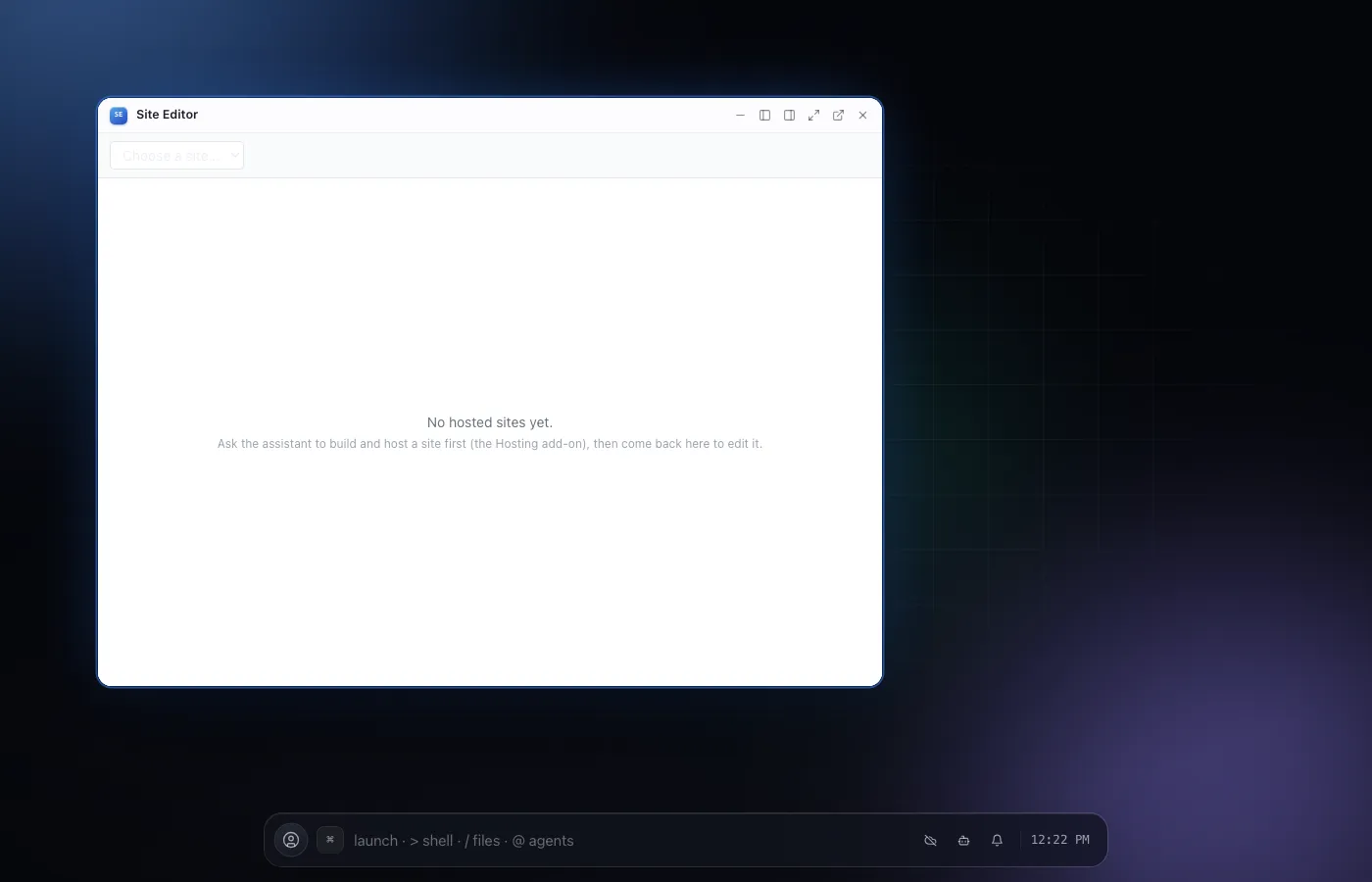
Site Editor is the human half of hosting a website with NextOS: once an agent (or you) has built and published a site, open it here to fix a typo, swap a photo, or change where a button links - by clicking directly on the live preview, the same way the page will actually look.
Every edit writes straight to the site's own files, the exact ones an agent would edit with fs_edit - so nothing here is a separate draft format. Publish when you're happy; the changes-since-publish panel shows exactly what's about to go live, file by file.
02Features
- Hover to see what's editable, click to type right on the page
- Swap an image by uploading one or picking another already on the site
- Edit a link's destination from a small popover, in place
- Desktop and phone width toggle so you can check both before publishing
- A changes-since-last-publish list with a real diff per file
- Undo/redo, and a one-click hand-off to the assistant for anything trickier
04Related